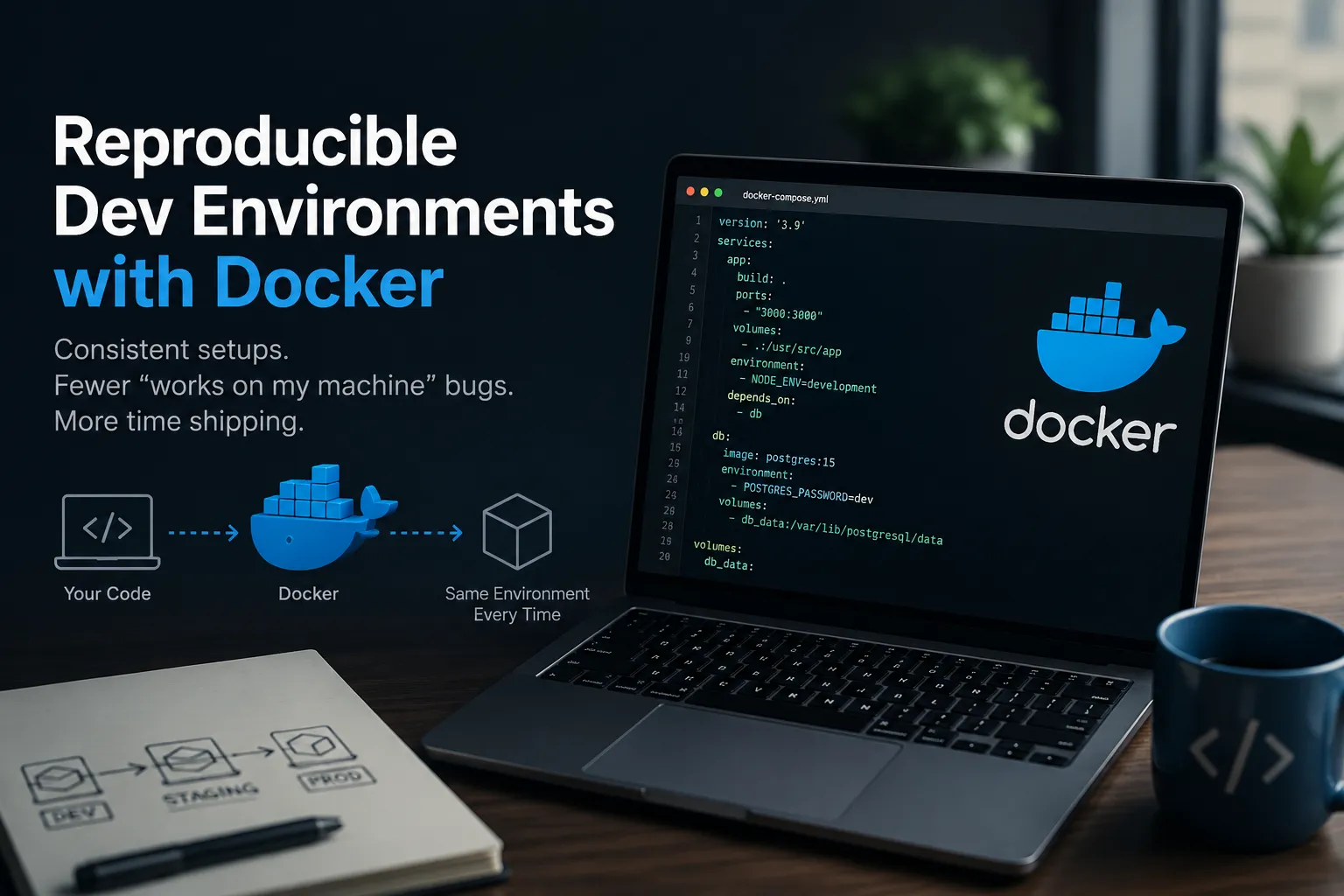
Reproducible Dev Environments with Docker
A tour of my Docker images project — a small collection of PHP, CLI, and tooling images that keep my local environments reproducible, match CI, and stay in sync with Laravel Sail automatically.
I’ve lost more hours than I’d like to admit to the “works on my machine” problem. A teammate has PHP 8.2, CI runs 8.3, and the production image is built against 8.4 — and somewhere in that gap a bug hides until the worst possible moment. The fix isn’t discipline, it’s removing the variable entirely: pin the toolchain to an image and let everyone — laptops, CI, and prod — run the exact same thing.
That’s what my robmellett/docker repo is. It’s not a single application; it’s a small collection of Docker images I maintain for reproducible development environments. This post walks through what’s in it, why each piece exists, and how I actually use it day to day.
What’s in the box
The repo builds and publishes a handful of images, each with a narrow job:
robmellett/base— a lean base image built on Baseimage-docker. It idles at around 8.3 MB of RAM and brings the Docker-friendly init system, process supervision, and administration tooling everything else is layered on top of.robmellett/php-84,php-83,php-82,php-81— full PHP images derived from the official Laravel Sail images, one per supported PHP version. (php-80andphp-74still exist but are no longer maintained.)robmellett/php-85-cli— a lightweight, CLI-only PHP image bundled with Composer. No web server, no extras — just enough to runphpandcomposercommands.robmellett/hasura-cli— the Hasura CLI in a container, for running migrations and metadata operations without installing it on the host.
Each one exists because I kept reaching for it and didn’t want to reinstall or version-juggle the underlying tool on every machine.
Why derive the PHP images from Laravel Sail?
Laravel ships Sail as its default local dev container, and the Sail PHP images are well-built and battle-tested. Rather than reinvent that, I layer on top of them. The catch with depending on an upstream image is staleness — Sail gets updated frequently, and an image you built six months ago drifts from what laravel new produces today.
So the repo automates the freshness problem with GitHub Actions:
- Weekly Sail sync (Wednesdays) — a workflow checks the upstream Laravel Sail images for changes.
- Rebuild on merge — when a sync brings in changes, the affected images rebuild and republish.
- Weekly safety-net rebuild (Sundays) — even with no upstream changes, everything rebuilds once a week so base-OS security patches flow through.
There’s also a manual escape hatch — src/scripts/update-sail.sh — for when I want to pull the latest Sail definitions on demand rather than waiting for Wednesday.
The net effect: the images track Laravel Sail closely without me babysitting them, and a rebuild is never more than a week stale.
Running PHP and Composer without installing them
The CLI image is the one I use most. The whole point is to run PHP and Composer commands against a project without PHP installed on the host — which means per-project PHP versions, reproducibility across machines, and an environment that matches CI.
The one wrinkle with running build tools in a container is file ownership. By default the container runs as root, so any files it writes — vendor/, lockfiles, generated code — end up owned by root on your host. The fix is to run as your own user and group, and mount the project in:
docker run --rm \
  -u "$(id -u):$(id -g)" \
  -v "$(pwd):/var/www/html" \
  robmellett/php-85-cli:latest \
  composer install
Breaking that down:
--rmthrows the container away when the command finishes — these are one-shot invocations, not long-lived services.-u "$(id -u):$(id -g)"runs the process as your host user, sovendor/comes out owned by you, not root.-v "$(pwd):/var/www/html"mounts the current directory into the image’s working directory.
Typing that every time is miserable, so I wrap the common calls in shell aliases:
# ~/.zshrc (or ~/.bashrc)
phpcli() {
  docker run --rm -it \
    --user "$(id -u):$(id -g)" \
    -v "$(pwd)":/app \
    -w /app \
    robmellett/php-85-cli:latest "$@"
}

alias php='phpcli php'
alias composer='phpcli composer'
alias phpunit='phpcli php vendor/bin/phpunit'
alias pest='phpcli php vendor/bin/pest'
alias laravel='phpcli composer create-project laravel/laravel'
After that, the containerised tools feel native:
php -v

composer install

composer require some/package

laravel new-project
Each one spins up the container, runs in your project directory as you, and tears the container down — leaving correctly-owned files behind and nothing installed on the host.
It’s the same trade I keep making across the whole repo: the tool lives in an image, the image is versioned, and my host stays clean.
When Composer can’t reach GitHub
Run composer install this way against a project with a real dependency list and sooner or later you’ll hit something like:
Failed to download vendor/package from dist: ...
Source fallback is disabled. Not trying alternative sources.
That last line is the one everyone pastes into a search engine, but it’s the symptom rather than the cause. Composer is telling you it gave up after the dist download failed and it wasn’t allowed to fall back to cloning from source. What actually failed is upstream: GitHub refused the request — usually because it was unauthenticated and hit the 60-requests-per-hour rate limit that applies per IP, or because the package is private.
Unauthenticated is the default here, and it’s the container’s doing in a very literal way. --rm means every command runs in a brand new container with nothing in it, so the auth.json in your home directory — the thing that would have made the request authenticated — simply isn’t there. Your host is authenticated; the container has never heard of you.
Give Composer a token
Generate a personal access token at github.com/settings/tokens. For public packages it needs no scopes at all — the token exists purely to lift you from 60 requests an hour to 5,000. Add read:packages if you’re pulling private ones.
Composer will store it for you:
composer config --global --auth github-oauth.github.com ghp_yourToken…with one catch: if composer is already aliased to the container, that command writes the file inside a container you’re about to throw away. Run it with a host-installed Composer, or just write the file yourself:
// ~/.config/composer/auth.json
{
  "github-oauth": {
    "github.com": "ghp_yourToken"
  }
}
Pass it into the container
Composer reads a COMPOSER_AUTH environment variable containing exactly the JSON that lives in auth.json, which makes this an extra flag rather than another mount:
docker run --rm \
  -u "$(id -u):$(id -g)" \
  -v "$(pwd):/var/www/html" \
  -e COMPOSER_AUTH="$(cat ~/.config/composer/auth.json)" \
  robmellett/php-85-cli:latest \
  composer install
And in the alias, so you never think about it again:
phpcli() {
  docker run --rm -it \
    --user "$(id -u):$(id -g)" \
    -v "$(pwd)":/app \
    -w /app \
    -e COMPOSER_AUTH="$(cat ~/.config/composer/auth.json 2>/dev/null)" \
    robmellett/php-85-cli:latest "$@"
}
The 2>/dev/null earns its place: on a machine with no auth.json the variable comes out empty, Composer ignores it and behaves exactly as it did before — rather than the shell printing an error on every php -v.
Two things worth being deliberate about:
- Check where your
auth.jsonactually is. Composer looks in$COMPOSER_HOME, which is~/.config/composeron Linux and on macOS setups that follow the XDG directories, and~/.composerotherwise.composer config --global --list | grep homewill tell you which one your machine uses, and it’s easy to end up with both. - Don’t bake the token into the image. An
ENV COMPOSER_AUTH=...in a Dockerfile ships in the layer history of everything you push. Passing it atdocker runtime keeps the token on the host, and lets CI hand its own to the same variable — in GitHub Actions the automaticsecrets.GITHUB_TOKENis enough for public packages.
Mounting the file instead of passing its contents works too, but it’s fiddlier than it looks: because the container runs as your host UID it has no home directory inside the image, so you also have to point COMPOSER_HOME somewhere writable. One environment variable avoids the whole problem.
The pattern, not the images
The specific images here are mine and tuned to how I work, but the underlying approach is the part worth stealing:
- Pin every tool to an image. Local, CI, and prod should run byte-for-byte the same thing.
- Derive from a trusted upstream rather than rebuilding the world — and automate the sync so you don’t drift.
- Run one-shot CLI tools as your own user with the project mounted, so you get reproducibility without root-owned files or a polluted host.
- Hide the verbosity behind aliases so the containerised tool is as ergonomic as a native one.
- Hand the container the credentials it needs at run time, rather than baking them in or rediscovering the same auth error on every new machine.
Once the toolchain is just a set of images, onboarding a new machine is a docker pull and “works on my machine” stops being a sentence anyone says.
If you want to dig into the Dockerfiles or the sync workflows, the whole thing is on GitHub.
Enjoy!